
Activity tracking. Community connection.
Make progress together.
Track everyday activities. Keep useful records. Bring people together through friendly community challenges.
ResultSync is an iOS and Android app with flexible trackers, goal checklists, and optional sync through your own Google account.
No ResultSync subscription. Currently in beta; features vary by build and platform.
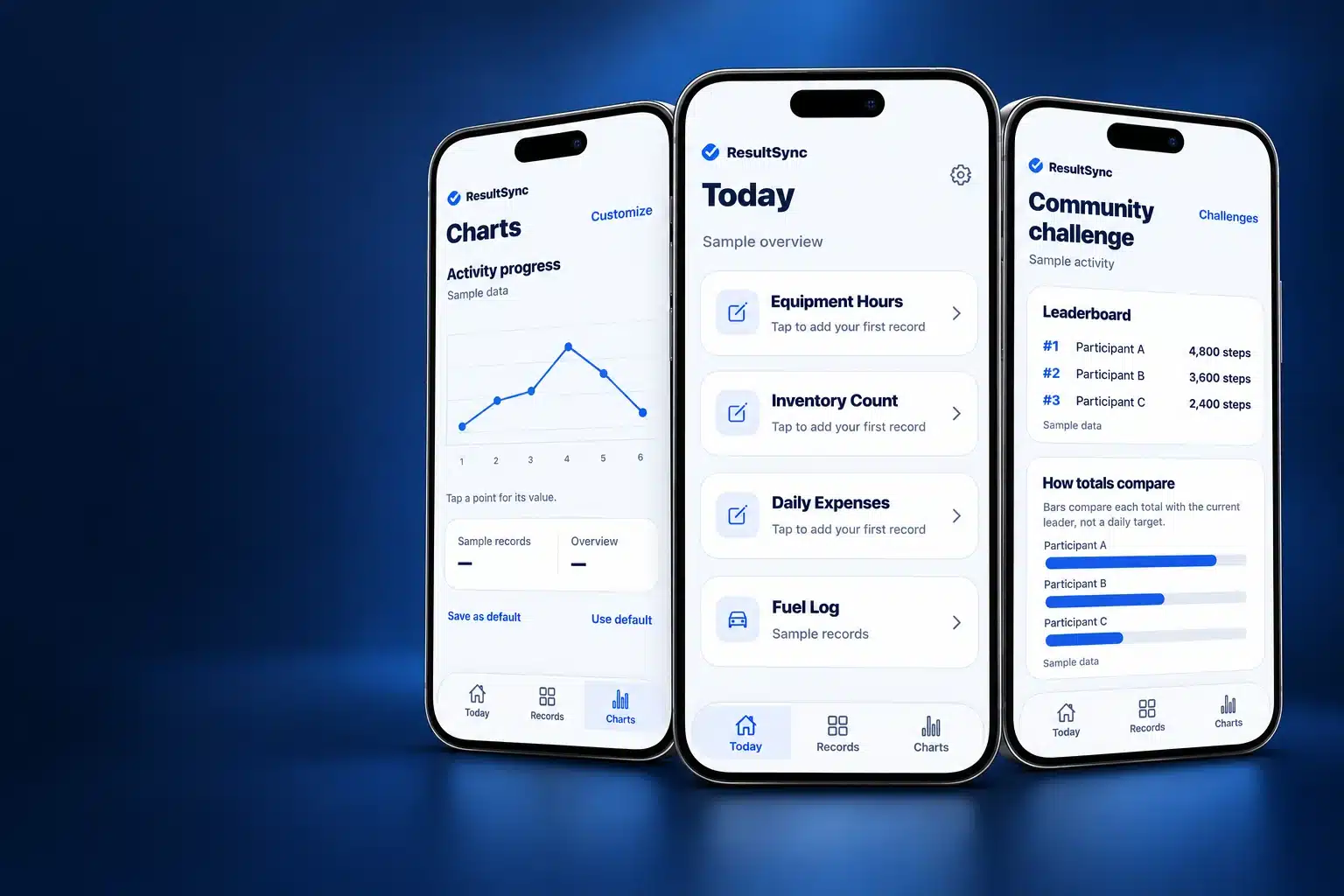
Activity tracking and community challenges
Use ResultSync to organize everyday records, follow personal progress, and connect a group around a shared activity. Start with the features that fit your routine.
Track activity
Join step, distance, or active-calorie challenges in compatible versions. Choose which supported health metrics to share. Contributing activity is optional.
Keep goals in view
Create goal checklists. Record everyday progress. Use reminders and charts where supported.
Bring people together
Organize friendly challenges around community events, family goals, or team activities. Invite participants. Follow progress. Keep final standings and trophies.
Inside ResultSync
Your day, your records, your community.
Explore these edited views from the ResultSync app. Personal details have been replaced with neutral sample content.
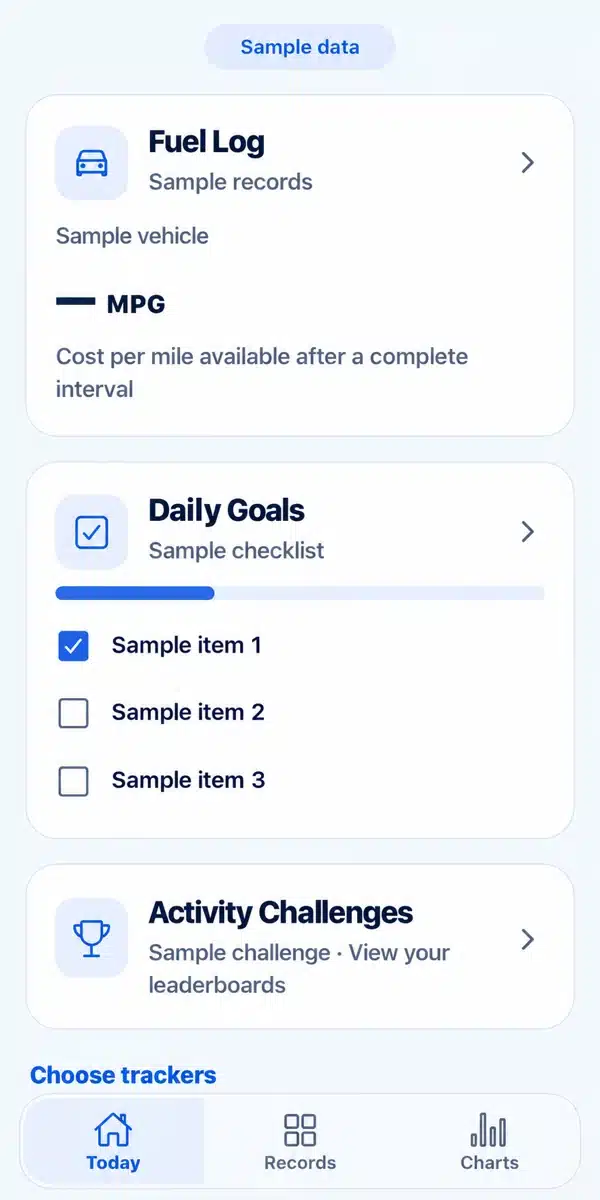
Keep everyday progress in view.
Choose the trackers that fit your routine. Create checklists. Record progress with categories and fields you can customize.
Edited screenshot. Sample records and checklist items.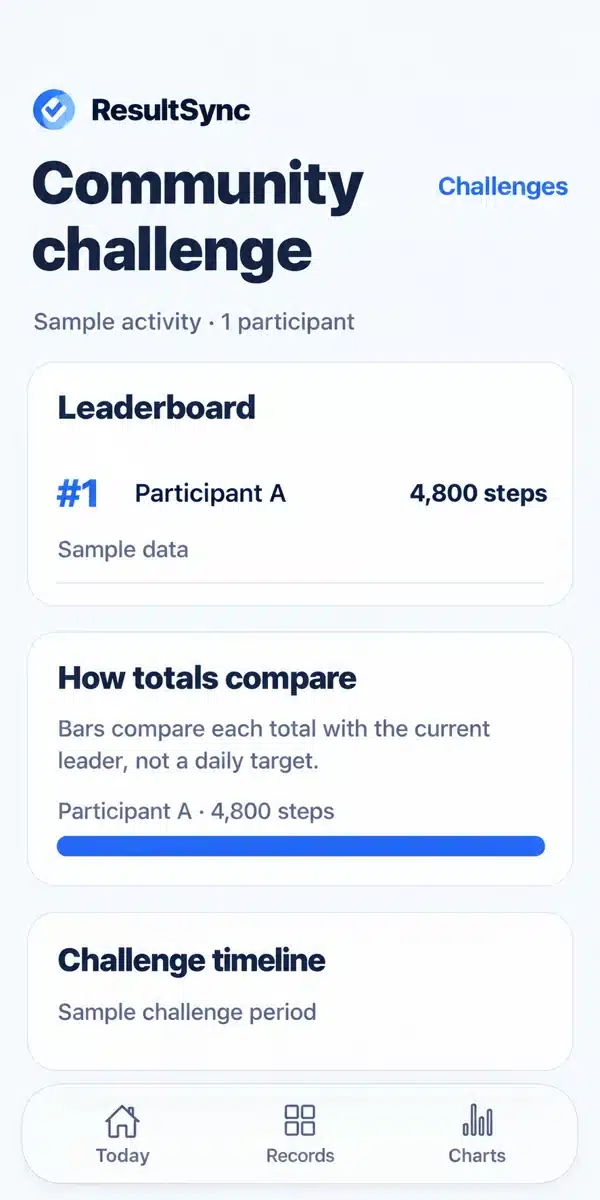
Build momentum together.
Use friendly activity challenges for community events, clubs, family, or teams. Follow shared totals while keeping personal records separate.
Edited screenshot. Sample participant, activity values, and challenge period.Your records. Your Google account. Your control.
ResultSync does not send your personal records to a Basin Tech Solutions database. Records are stored locally. When you connect Google, syncing goes directly between your device and files in your Google account.
You control your Google files and sharing choices. For activity challenges, only totals for the selected challenge period are shared after your consent. New encrypted challenges keep personal records separate.
No ResultSync subscription to pay. Use your own device and Google account rather than renting a separate ResultSync-hosted database. Google account storage limits and service terms apply.
Start simply.
- Install a compatible beta build. Follow the iOS TestFlight or approved Android testing instructions.
- Make it yours. Create records and goal checklists. Connect Google when you want optional sync or sharing.
- Join your community. Open your organizer’s invitation in the app. Choose whether to contribute supported activity totals.
- See your progress. Follow the challenge and keep final results in your own Google account.
Flexible enough for everyday life.
Use custom categories and fields for the things you want to record. Track personal routines, club activities, event progress, and other everyday records. Export data using the options available in your app.
Local recording works without a separate app account. Google sync and community sharing are optional. Offline changes wait on your device until a connection is available and synchronization succeeds.
Questions about ResultSync
Does ResultSync have a subscription?
There is no ResultSync subscription for the current app. Records live on your device, with optional syncing through your own Google account. Google storage limits and terms still apply.
Can I use it for community events?
Yes. Compatible builds support friendly activity challenges that can bring a group together around an event or shared goal. Participants control whether to contribute supported activity totals.
Is my data sent to Basin Tech Solutions?
The app does not send your records or activity totals to a Basin-hosted records database. Optional Google sync stores files in your Google account. Device, Google, app-store, and sharing providers process information under their own policies.
Who can view a shared challenge?
New encrypted challenge invitations include a key. Anyone with the full invitation can unlock that challenge. Keep invitations private. Older sharing workflows may use Google-account permissions. Sharing does not give access to separate personal databases.
Where do I download the app?
ResultSync is in beta. See the installation and invitation page for iOS TestFlight and Android test access instructions. A compatible build and an approved beta invitation may be required.
Have an app idea of your own?
Basin Tech Solutions builds cross-platform iOS and Android apps with AI-assisted development and human-led review.
Explore app developmentFor business scale tickets and inventory, explore TruePoint.
Request a TruePoint trial