MSP SERVICES
Managed Service Provider
Core Package for Managed Services Include:
patch management and system updates
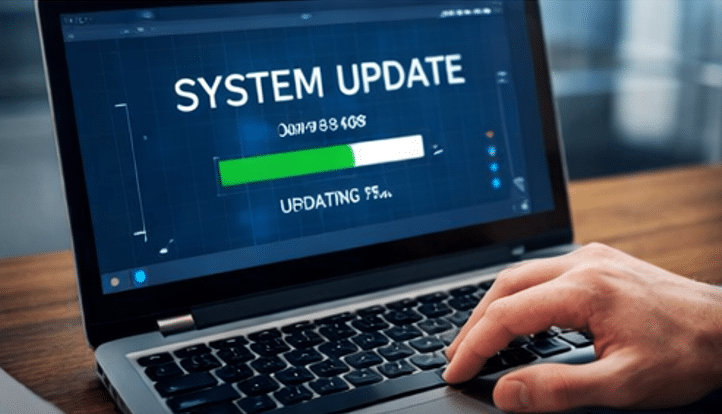
Stay current and secure with automated updates
We manage all software updates and patches on your computers to seal security holes and improve system performance. If your computer is slow, or you have problems with your computer, we are here to help.
Proactive IT Monitoring

Keep your systems running smoothly with 24/7 monitoring.
We identify and resolve issues before they impact your business, ensuring maximum uptime and performance. Keeping Computers Running is essential in this day and age.
Managed Security Services

Protect your data and digital assets.
We keep you data safe by building strong defenses using multiple layers of protection: firewalls, antivirus software, threat detectors, and regular software maintenance. We stop viruses and help ensure your computers remain safe.
Remote and On-Site Support
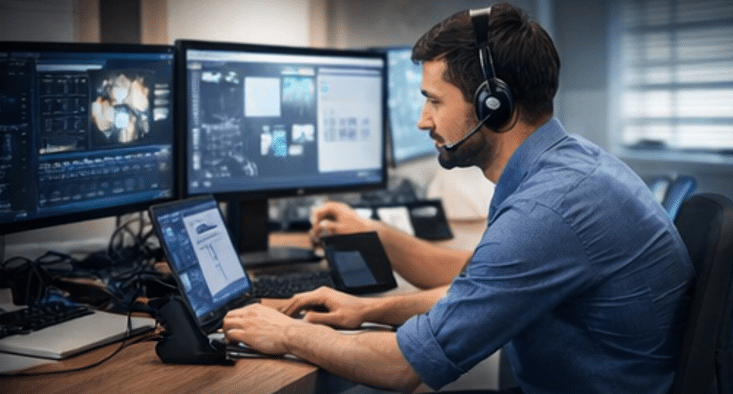
Get fast, reliable support—anytime, anywhere.
We offer quick support, remote or in-person, to minimize interruptions and maximize your teams output. If your computer has a issue, fixing your computer is our top priority.
Popular Bundled Options
Cloud solutions and migration
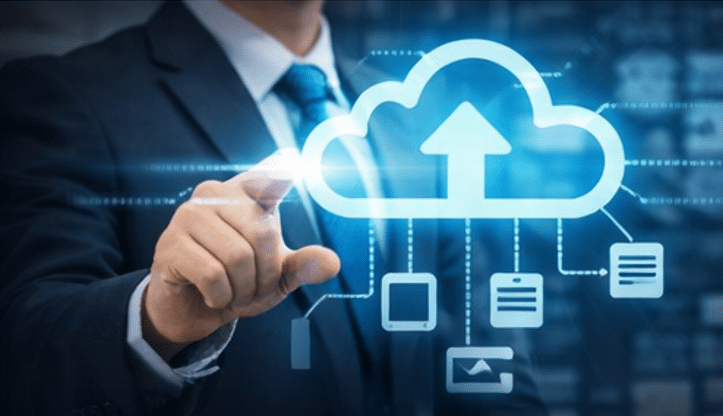
Simplify your operations with scalable cloud services
From Microsoft 365 to getting your whole business set up in the cloud, we help you move efficiently and securely. This includes software for your computer, or solutions in the cloud.
Data Backup and Recovery
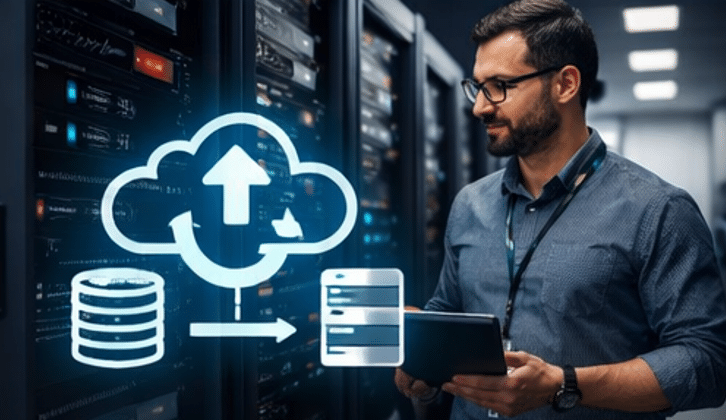
Safeguard your critical data with automated backups.
We offer reliable backup solutions and recovery plans to protect your business from data loss or unexpected outages. Backing up your servers and computers is a integral part of a robust security plan to ensure business continuity.
endpoint management

Control, track, and protect all your devices
We manage desktops, laptops, and mobile devices to ensure consistency, security, and compliance across your network. We make plans on how to slowly upgrade your computer infrastructure so business does not skip a beat.
It Consulting and strategy

Plan your technology roadmap with expert guidance
We ensure technology serves your business goals by offering tailored strategies that support growth and innovation.
What’s the difference between break-fix IT and managed services in Washington?
Break-Fix IT means IT is only called after something breaks, while managed services prevents things from breaking. Basin Tech Provides Both Services.
Break-Fix IT Services are reactive solutions—you call these IT professionals only when something breaks. This approach works for businesses where technical issues don’t disrupt daily operations and can be addressed on an as-needed basis. While it may seem cost-effective at first, relying solely on break-fix support can lead to unexpected downtime, lost productivity, and higher long-term repair costs.
Proactive IT Services, also known as managed IT services, take a preventative approach. A proactive IT provider continuously monitors your systems, identifies potential problems, and performs preventative maintenance or timely replacements before issues escalate. This strategy improves your network reliability, system security, and overall performance, while keeping costs predictable—often lower than hiring a full-time, in-house IT expert.
By investing in proactive IT services, your business benefits from:
Reduced downtime due to early issue detection
Enhanced cybersecurity through regular updates and monitoring
Optimized performance across all devices and systems
Predictable IT expenses, avoiding sudden large repair bills
For small businesses in Washington and across the U.S., the choice between break-fix IT support and proactive managed IT services can determine your ability to grow efficiently while staying secure. We recognize some businesses only need break-fix and because of that we provide that as a service as well as the managed services.
How much do managed IT services cost in Washington state?
Managed IT Services pricing varies based on your business size, needs, and service bundle, with most providers offering per-user ($50–$100/user), per-device ($20-$150/workstation), or hybrid pricing models.
Per-user pricing works best for employee-focused environments, per-device fits infrastructure-heavy setups, and a hybrid approach offers the most flexibility and scalability as your business grows.
The cost of Managed IT Services (MSP services) can vary significantly depending on the provider, service bundle, and business size. Many Managed Service Providers (MSPs) offer custom pricing models, often including discounts for larger organizations or bundled services such as cybersecurity, cloud management, and help desk support.
Because of this flexibility, pricing is typically based on one of two primary models—or a hybrid of both.
Per User Pricing Model
The per user pricing model charges a fixed monthly rate for each employee (user) in your organization. Our costs range from $50–$100 per user, send us a message for a detailed quote.
This model is ideal when:
Employees use multiple devices (laptop, desktop, phone, tablet)
IT support, security, and licensing are tied to the individual user
The business prioritizes predictable costs per employee
Why businesses choose per user pricing:
Simplifies budgeting as your team grows
Encourages full coverage across all user devices
Aligns IT services (like Microsoft 365, endpoint security, and identity management) to the person—not the hardware
Example:
If one employee uses a laptop, desktop, and mobile device, you are still only billed for one user, not three devices.
Per Device Pricing Model
The per device pricing model charges based on the number of devices being managed, our prices range from $20-$150 dollars a workstation. Contact us for specific pricing.
Devices Include:
Workstations
Servers
Network equipment
Shared systems
This model works best when:
Devices are shared among multiple users
There is significant on-premise infrastructure
Server and network management are a primary concern
Why businesses choose per device pricing:
Better cost control for shared environments
Ideal for manufacturing, labs, or shift-based workplaces
Clear visibility into infrastructure management costs
Example:
A shared workstation used by multiple employees is billed as one managed device, regardless of how many users access it.
Hybrid MSP Pricing Models
Many modern MSPs use a hybrid approach, combining per user and per device pricing to better align with real-world environments.
For example:
Per user pricing for employee endpoints and support
Per device pricing for servers, firewalls, and specialized equipment
This approach ensures:
Fair pricing based on actual usage
Better alignment between risk, support load, and cost
Scalability as your business grows
What Impacts Managed IT Pricing?
Several factors influence MSP pricing, including:
Business size and number of users
Number and type of devices
Cybersecurity requirements
Compliance needs (HIPAA, CMMC, etc.)
Cloud vs on-premise infrastructure
Required response times (SLAs)
Key Takeaway
There is no one-size-fits-all price for Managed IT Services. The best pricing model depends on how your business operates:
Choose per user if your workforce is device-heavy and user-centric
Choose per device if your environment is infrastructure-heavy or shared
Choose hybrid for the most balanced and scalable solution
What is included in managed IT services for businesses in Washington?
At Basin Tech Solutions we bundle based on the customers needs, we do not want you to pay extra for bells and whistles that are not necessary.
Our Services Include but are not limited to:
Proactive IT Management
24/7 monitoring and maintenance to prevent problems before they impact your operations.Help Desk & IT Support
Fast, reliable remote and on-site support for your team whenever issues arise.Cybersecurity Protection
Comprehensive security solutions to protect your business from modern threats, including endpoint protection, network security, and user safeguards.Data Backup & Disaster Recovery
Secure, monitored backups and rapid recovery solutions to keep your business running even in worst-case scenarios.Cloud Services & Microsoft 365 Management
Setup, migration, and ongoing management of cloud platforms to support flexible, modern work environments.Network & Infrastructure Management
Full management of servers, networks, and devices to ensure performance, reliability, and scalability.VoIP Phone Systems
Business phone solutions that are reliable, scalable, and integrated with your operations.Software Development & Custom Solutions
Custom-built applications, system integrations, and business tools tailored to your workflows.Legacy System Support (Old Software)
Support, maintenance, and integration for older or critical systems that your business still depends on.Website Development & Management
Professional website design, development, hosting, and ongoing updates.PLC Coding & Industrial Automation
Programming and support for PLC systems and industrial environments.AI Automations & Integrations
Automation of business processes and integration of AI tools to improve efficiency and reduce manual work.IT Strategy & Consulting
Ongoing guidance to help you plan, scale, and make smart technology decisions.Hardware Procurement & Vendor Management
We source, configure, and manage the technology your business needs.
The Bottom Line
Basin Tech acts as your complete IT partner—covering everything from basic support to advanced development and automation.
If it involves technology, we can support it, improve it, or build it.
How can small businesses in Washington protect against ransomware?
Ransomware protection isn’t about a single tool—it’s about layered security:
Protect → Update → Backup
When all three are in place, your business is significantly more resilient against attacks.
The most effective way to protect your business from ransomware is to follow a three-layered approach. No single solution is enough—security works best when multiple protections are in place.
1. Advanced Endpoint Protection
Install a modern security solution on every computer—especially Windows systems, which are the most commonly targeted.
We recommend EDR/XDR (Endpoint Detection & Response / Extended Detection & Response) platforms such as:
CrowdStrike Falcon
SentinelOne
Bitdefender GravityZone
These tools go beyond traditional antivirus by actively detecting, isolating, and responding to threats in real time.
2. Patch Management & System Updates
Keep all systems fully updated—including operating systems, applications, and firmware.
Outdated software is one of the primary entry points for ransomware attacks. Cybercriminals actively scan for known vulnerabilities in:
Unpatched Windows systems
Legacy software
Unsupported operating systems
If a system is no longer supported, it becomes a high-risk liability and should be upgraded or isolated immediately.
3. Reliable Backup & Recovery
Even with strong security, no system is 100% immune. That’s why secure backups are your last line of defense.
A proper backup strategy ensures:
Your data is protected and recoverable
Minimal downtime in the event of an attack
Business continuity within hours—not days
Backups should be:
Automated
Regularly tested
Stored securely (ideally offsite or in the cloud)
The Bottom Line
Ransomware protection isn’t about a single tool—it’s about layered security:
Protect → Update → Backup
When all three are in place, your business is significantly more resilient against attacks.
DON'T SEE WHAT YOUR LOOKING FOR?
SEND US YOUR QUESTIONS